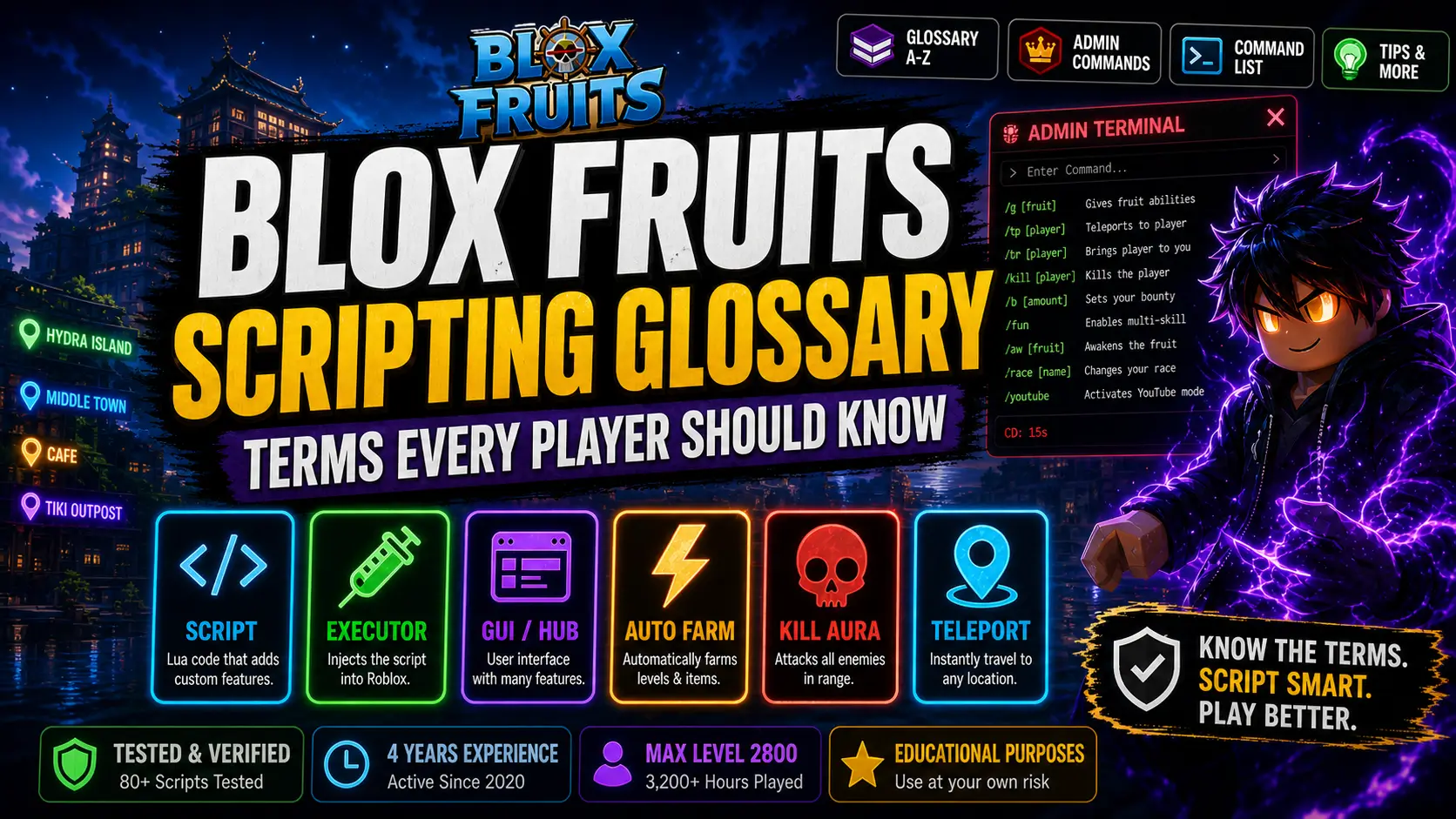
Blox Fruits Scripting Glossary — Terms Every Player Should Know
You finally found a working script. You open the GUI and it’s full of terms you’ve never seen — CD bypass, loadstring, inject, keyless, ESP, kill aura. One wrong toggle and your account is at risk. One wrong download and you’ve got malware.
Most guides throw a wall of terms at you with zero context. This one is different.
This Blox Fruits scripting glossary covers every term every player should know in 2026 — from what CD actually means in Blox Fruits, to the full admin commands list, to the only legitimate ways normal players can access admin-style features. Over 4 years and 80+ scripts tested, this is the reference I wish existed when I started.
Whether you’re brand new to scripting or just hit a term you’ve never seen inside a GUI — bookmark this page. You’ll be back.
- What Is Blox Fruits Scripting?
- Core Scripting Glossary — A to Z
- Admin Commands — What They Are
- Full Admin Commands List (2026)
- Commands for Normal Players
- How to Get Admin Commands
- Admin Commands Script — Explained
- Executor Comparison Table
- Key vs Keyless Breakdown
- Troubleshooting — 5 Common Mistakes
- Blox Fruits Admin Names List
- 6 Performance Tips
- FAQ — 7 Questions Answered
Before jumping into the glossary, you need to understand the underlying system. Scripting in Blox Fruits refers to running custom Lua-based code through a third-party Roblox executor to automate, modify, or enhance gameplay that isn’t possible within the standard game client.
Every action in Roblox — attacking, moving, collecting items — is already powered by scripts running server-side and client-side. A Blox Fruits script essentially intercepts the client-side layer and injects additional instructions.
Roblox game running on Gamer Robot Inc’s servers. Controlled by developers rip_indra and myusernamesthis.
A third-party tool (Delta, KRNL, Solara, Fluxus) that attaches to the Roblox client and allows Lua injection.
Lua code you paste or load from a hub (Redz Hub, HoHo Hub, etc.) that runs through the executor and controls in-game behavior.
This is the most comprehensive Blox Fruits scripting glossary available. Each definition includes a plain-English explanation and a real-world usage example so you know exactly how the term appears in context.
A block of Lua code executed through a third-party tool to add features — auto farm, teleport, fruit sniper, ESP — not available in normal gameplay.
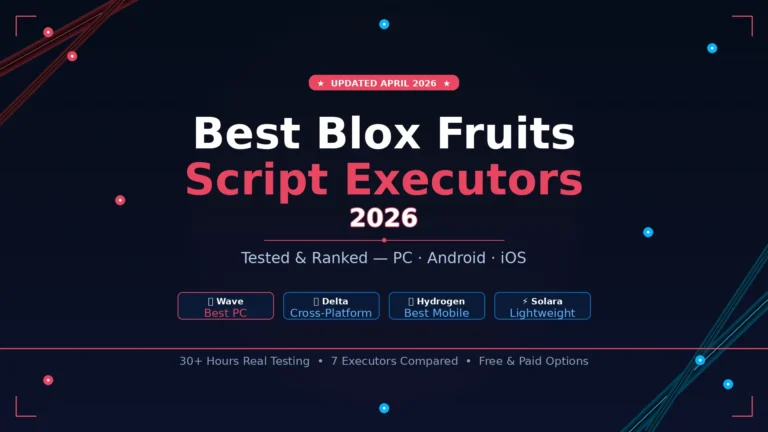
The software that injects a Lua script into the Roblox client. Without an executor, no script can run. Popular executors include Delta (mobile), KRNL, Solara, Fluxus, and Wave (PC).
A Lua function that fetches and executes a script from an external URL — usually a raw GitHub link.
The visual menu that appears inside Blox Fruits after a script is executed. Features like Auto Farm, ESP, Teleport, and Fruit Sniper are toggled on/off through the GUI.
A multi-feature script package that loads an entire GUI inside the game. Rather than a single-function script, a hub contains dozens of features under one roof.
Examples: Redz Hub, HoHo Hub, ThunderZ, Speed Hub X, Vortex Hub, TeddyHub
The act of attaching the executor to the Roblox process so it can run Lua code inside the game.
Automatically attacks NPCs, collects EXP, and completes quests in a loop. The most used feature in any script hub. Runs hands-free, progressing your level from 1 to 2550+ without manual input.
Detects Devil Fruit spawns across the entire map in real time. Some scripts show a visual overlay (ESP); others automatically teleport your character to the fruit before other players can grab it.
Automatically attacks all nearby enemies within a set radius without requiring manual targeting. Commonly paired with Auto Farm.
Moves your character instantly to any island, NPC, quest location, or fruit spawn without traveling.
Automates the entire raid sequence: entering, defeating raid bosses, completing stages, and collecting raid rewards.
A visual overlay showing the positions of players, NPCs, fruits, and enemies through walls and across the map.
Prevents Roblox’s automatic disconnection system from kicking you during extended auto-farm sessions.
Automatically grinds mastery points for a specific Devil Fruit or fighting style.
Every Devil Fruit move, fighting style ability, and Admin Terminal command has a CD timer. In scripting context, “No CD” or “CD Bypass” removes or reduces these wait times.
The programming language used by Roblox and by extension all Blox Fruits scripts. Learn more at the official Lua website.
Roblox’s modified and optimized version of Lua. Most modern scripts use Luau syntax with .luau file extensions.
A Luau exploit function used to set global environment variables before a script runs.
A verification system that requires completing an action to receive a temporary “key” before the script will run. Keys are usually valid for 24 hours.
Every script listed has been personally run by Jake on a live server — tested for ban safety, update stability, and feature accuracy.
Latest Working Scripts 2026 Full Executor Guide| Type | Who Has Access | How to Access | Risk Level |
|---|---|---|---|
| Developer Admin Commands | rip_indra, myusernamesthis, official staff only | Built into developer accounts only — inaccessible to players | No Risk (inaccessible) |
| Admin Terminal Commands | Any player who finds King Red Head’s throne | Sit on Admin Chair after Luckymaxer Raid Boss event | ✅ No Ban Risk (official) |
| VIP Private Server Commands | Private server owners | Own/join a private server | ✅ No Ban Risk (official) |
| Script-Based “Admin” Commands | Anyone with an executor | Run via third-party executor | ⚠️ High Ban Risk (ToS) |
| Command | Function | Notes |
|---|---|---|
| /g [fruit name] | Gives the admin the specified Devil Fruit’s abilities | Accepts partial names |
| /c [fruit name] | Gives a fruit in psy form | Admin-exclusive |
| /f [fighting style] | Switches the admin’s active fighting style | e.g. /f godh for Godhuman |
| /tp [username] | Teleports admin to a specified player | Works without being friends |
| /br [username] | Brings a player to the admin | Brings boat too if player is on one |
| /kill [username] | Kills a specified player | Works even if PvP is disabled |
| /b [amount] | Sets admin’s bounty | e.g. /b 3500000 = 3.5M bounty |
| /fun | Sets stats to 0 and enables multi-skill usage | Disable with /unfun |
| /aw [fruit] | Awakens the typed fruit | Subject to change |
| /krazy | Access to all fruits including admin-exclusive ones | Owner-exclusive — only rip_indra |
| /race [race name] | Changes admin’s race | Angel = /race Skypiea |
| /youtube | Activates YouTube mode | Auto-activates in cutscene |
The Level 1000 Luckymaxer Raid Boss spawns during the Hacker Event. Defeating it triggers the throne spawn.
The throne spawns randomly. Join different servers and check spawn areas across all three seas.
The throne is visually distinctive — a red and gold chair that stands out immediately when you’re near it.
Walk up and interact with the prompt. The Admin Terminal UI opens automatically.
Type your command (e.g. tp Hydra) and press enter. Every command has a cooldown.
| Executor | Platform | Key Required? | Best For | Status |
|---|---|---|---|---|
| Delta Executor | Mobile + PC | No Key | Mobile players, beginners | Active |
| KRNL | PC (Windows) | Key (free) | Stable PC execution | Active |
| Solara | PC (Windows) | No Key | Premium GUI, full automation | Active |
| Fluxus | PC (Windows) | Key (free) | Performance-focused farms | Active |
| Wave | PC (Windows) | No Key | Ultra-low lag, Sea 2–3 farms | Active |
| JJSploit | PC (Windows) | No Key | Casual use, older scripts | Partial |
- Cause
- Executor not properly injected, or script requires a specific keybind.
- Fix
- Re-inject executor, wait for “injected” confirmation, then re-execute. Try Insert key, Right Ctrl, or = key.
- Cause
- Admin Terminal command using a location name from a different sea than you’re currently in.
- Fix
- Only use location names valid for your current sea (Sea 1, 2, or 3).
- Cause
- Roblox and Blox Fruits release patches that break script hooks.
- Fix
- Check the script hub’s Discord or GitHub for an updated loadstring.
- Cause
- The throne only spawns after the Luckymaxer Raid Boss event.
- Fix
- Server-hop until you find one where the throne has spawned.
- Cause
- Some “keyless” claims are outdated, or the hub switched to a key system after initial release.
- Fix
- Verify against the hub’s official GitHub or Discord.
| Name | Role | Notable Abilities |
|---|---|---|
| rip_indra | Lead Developer / Owner | Only person with /krazy access; appears as rip_indra True Form boss in Third Sea |
| myusernamesthis | Co-Developer | Referenced in the /youtube cutscene; full command access |
| phoeyu | Developer (historical) | Many abilities used the “phoeyu” prefix |
| Selected YouTubers | Content Partners | Limited command access for promotional content |
Use private servers for auto-farming. Public server farming is more likely to trigger behavior detection.
Vary your farming pattern. Continuous 8-hour loops with no variation are a major red flag.
Never run .exe “script installers.” Legitimate scripts are plain text files or loadstring URLs.
Keep your executor updated. After major updates, old executor versions may fail to inject.
Test on an alt account first. Before running any new script on your main, test it on an alternate account for at least 48 hours.
Check the hub’s Discord/GitHub before each session. Running an outdated loadstring after a game update often results in broken features.
This glossary is the most complete reference for every scripting term a Blox Fruits player needs to know in 2026. Master the glossary, and navigating scripts, executors, hubs, and admin features becomes significantly easier.