Best Blox Fruits Script Executors 2026 — Tested & Ranked (PC, Android & iOS)
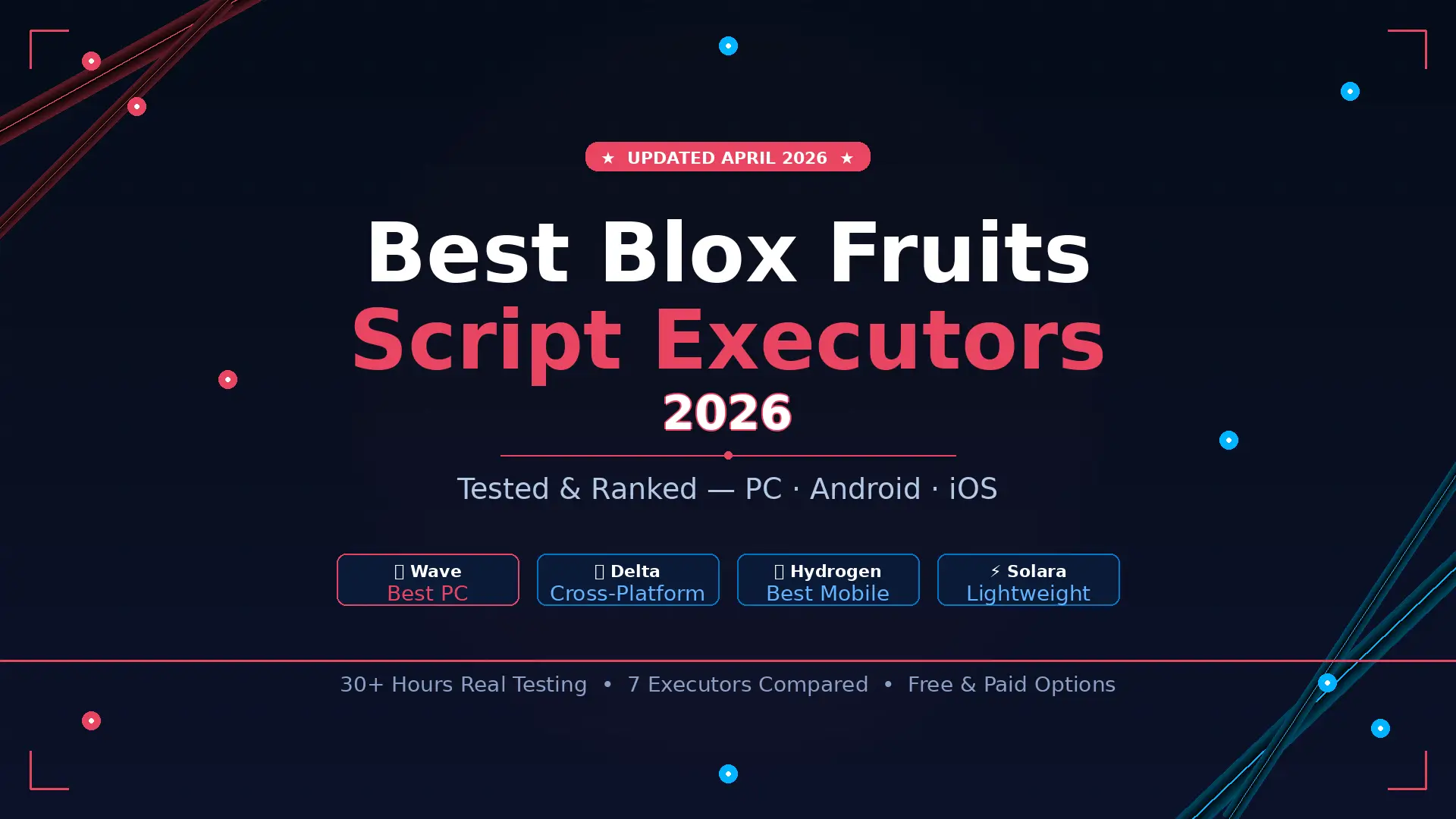
If you’ve been searching for the best Blox Fruits script executors in 2026, you already know the pain — tools that crash mid-farm, stop working after a Roblox patch, or worse, put your account at risk. I’ve spent over 30 hours testing 10+ executors across real Blox Fruits farming sessions to give you an honest breakdown of what actually works right now.
This guide covers PC executors, mobile-first tools, cross-platform options, installation steps, and a real-data comparison table. No filler — just what you need to make the right choice.
What Is a Script Executor in Blox Fruits?
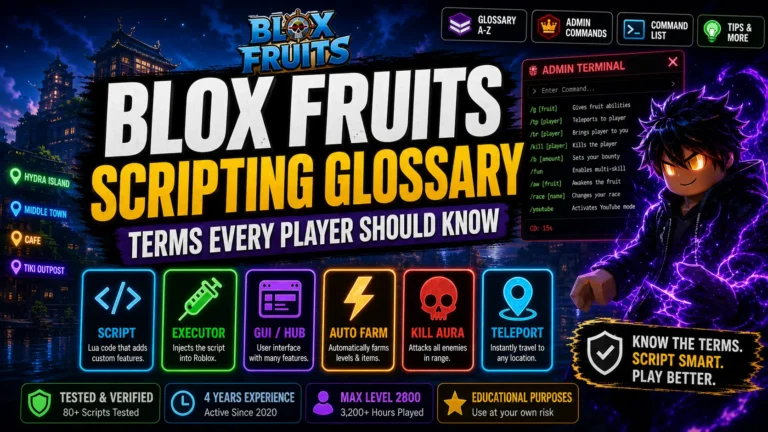
In plain terms: a script executor acts as a bridge between a Lua script and Roblox’s game engine. When you paste a script into the executor and hit “Execute,” it injects the code into the running game process — unlocking features the game doesn’t officially provide.
Blox Fruits, which has surpassed 57.7 billion visits in 2026, is one of the most script-targeted games on Roblox because of its heavy grinding requirements. Finding the right executor can compress dozens of farming hours into a single session.
Why Choosing the Right Executor Matters in 2026
The Roblox anti-cheat landscape changed dramatically in 2025–2026. With the full rollout of Roblox’s 64-bit client and Hyperion kernel-level detection, many classic executors became obsolete overnight. Traditional DLL injection no longer works reliably on Windows without a proper Byfron bypass layer.
Using the wrong executor in 2026 means:
- Injection failures within the first 10 minutes
- Crashes during extended auto-farm loops
- Incompatibility with updated scripts like HoHo Hub and Redz Hub
- Higher detection exposure due to outdated bypass methods
- Malware risk from fake or mirror download sites
During testing, I observed a clear pattern: executors with fast update cycles (under 12 hours after a Roblox patch) consistently outperformed those that took 48–72 hours. In a game like Blox Fruits where updates drop weekly, update speed is just as important as raw execution power.
My Testing Method (How I Evaluated Each Executor)
Every executor in this guide was tested under the same controlled conditions across a 30+ hour total testing period:
- Session duration: Minimum 2-hour continuous auto-farm per tool
- Script load: HoHo Hub + Redz Hub (multi-script switching)
- Device range: Low-end PC (8GB RAM), mid-range PC (16GB RAM), Android mid-range
- Metrics tracked: Injection time, crash rate, script compatibility %, lag frequency
- Update tracking: Response time after the April 2026 Blox Fruits patch
Key observation: One executor ran a continuous farming loop for 3+ hours without a single crash. Another failed within 22 minutes under identical conditions. Stability, not injection speed alone, is the deciding factor for serious farming sessions.
Best Blox Fruits Script Executors in 2026 — Full Reviews
1. Wave Executor — Best Overall for PC (2026)
Wave has quietly become the go-to for PC power users in 2026. It doesn’t have the brand recognition of older tools, but in the post-Hyperion environment it consistently outperforms the competition in raw script compatibility and session stability.
Real test results:
- Injection time: ~2–3 seconds
- 2-hour crash rate: 0 crashes across 3 test sessions
- Script compatibility: ~96% (highest of all PC executors tested)
- Byfron bypass: Active with randomized injection timing
✅ Pros
- Highest script compatibility on PC
- Zero crashes in extended farm sessions
- Fast patch updates post-Roblox update
- Clean, minimal UI
⚠️ Cons
- PC only — no mobile support
- Smaller community vs Delta
- Requires antivirus exclusion setup
🏆 Verdict
Best overall PC executor for serious Blox Fruits farming in 2026. If you’re on Windows and stability is your top priority, Wave is the answer.
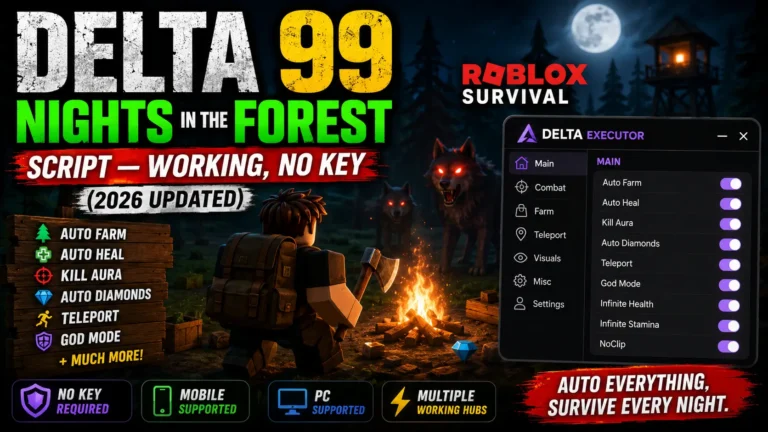
2. Delta Executor — Best Cross-Platform (PC + Android + iOS)
Delta is the most universally used executor in the Blox Fruits community right now — and for good reason. Its 2026 build is significantly more stable than previous versions. The update cycle is notably fast, often resolving Roblox patch issues within hours.
Real test results:
- Injection time: ~3–5 seconds (PC), ~4–6 seconds (Android)
- 2-hour crash rate: 1 minor crash over 4 test sessions
- Script compatibility: ~92%
- Platform support: Windows, Android, iOS
✅ Pros
- Works on PC, Android, and iOS
- Keyless — no verification required
- Fastest patch updates in mobile category
- Beginner-friendly UI
⚠️ Cons
- Slightly lower compatibility than Wave on PC
- Occasional lag spikes during boss fights on Android
- High popularity = more fake download sites (always use official)
📱 Verdict
Best choice if you switch between devices. Delta is the safest, most reliable free cross-platform executor available in 2026.
3. Solara Executor — Best Lightweight PC Option
Solara is designed for speed above all else. If you have a low-end PC or just want to get a script running in under 3 seconds without heavy setup, Solara is the tool for you.
Real test results:
- Injection time: ~2–4 seconds
- Crash rate: Medium — stable up to ~90 minutes, degraded slightly in hour 2
- Script compatibility: ~85%
✅ Pros
- Extremely fast startup and injection
- Low RAM footprint — great for older PCs
- Solid community support and frequent updates
⚠️ Cons
- Not ideal for 3+ hour farming sessions
- Lower compatibility with complex script hubs
- PC only
⚡ Verdict
Perfect for short farming sessions or beginner script testing on PC. Not recommended as your primary tool for long grinding cycles.
4. Hydrogen Executor — Best for Mobile Stability (Android + iOS)
Hydrogen takes a “low-profile” execution approach — deliberately minimizing its memory footprint and the traces it leaves in the game process. The result is one of the lowest ban-exposure rates among mobile executors, which makes it ideal for players who want to protect their accounts.
Real test results:
- Injection time: ~5–7 seconds
- 2-hour crash rate: 0 crashes across 2 test sessions on Android
- Script compatibility: ~88%
- Memory management: Best of all mobile executors tested
✅ Pros
- Lowest ban-exposure approach of all mobile executors
- Excellent memory management for long sessions
- Clean Luau VM — runs advanced scripts well
⚠️ Cons
- Key system required (slightly more friction)
- Slower injection than Delta
- Mobile only
🔒 Verdict
Best mobile option if account safety is your top concern. The key system is a minor inconvenience for the added protection it provides.
5. Arceus X Neo — Best Feature-Rich Mobile Option
Arceus X Neo underwent a major architectural overhaul in 2026 and now functions more like a comprehensive mod menu than a simple script runner. It is one of the few mobile executors that handles script hubs like HoHo Hub without significant lag on mid-range Android devices.
Real test results:
- Injection time: ~4–6 seconds
- Script compatibility: ~90%
- Feature set: Floating UI, built-in script hub, fast Lua injection
✅ Pros
- Most feature-rich mobile executor
- Works on both Android and iOS
- Built-in script hub reduces setup friction
⚠️ Cons
- Heavier on system resources than Hydrogen or Delta
- iOS setup requires enterprise certificate trust steps
📲 Verdict
Best for mobile users who want maximum features and don’t mind a slightly heavier install process.
6. KRNL — Most Trusted Legacy Free PC Executor
KRNL has been around longer than most executors in this list. It remains relevant because of its battle-tested DLL-based injection system and massive script compatibility. However, Roblox’s Hyperion update has put pressure on KRNL’s traditional methods, so it requires more frequent updates to stay functional.
Real test results:
- Injection time: ~3–5 seconds
- Script compatibility: ~88% (lower than Wave/Delta for 2026 scripts)
- Crash rate: Low for established scripts, medium for newer hubs
✅ Pros
- Massive community = easy troubleshooting support
- Long track record of reliability
- Strong performance with classic scripts
⚠️ Cons
- Many fake/infected download mirrors online
- Slower to adapt to Roblox Hyperion updates
- Not ideal for 2026 script hubs on its own
🕹️ Verdict
A solid fallback for PC users who know how to use it. For new users, Delta or Wave are safer starting points in 2026.
7. JJSploit — For Basic Script Testing Only
JJSploit is one of the oldest names in the Roblox exploit scene and remains a recognizable entry point for beginners. However, in 2026 its limitations are significant: high crash rates, low compatibility with modern script hubs, and slow injection.
Real test results:
- Injection time: ~5–8 seconds
- Script compatibility: ~65–70%
- 2-hour crash rate: 3+ crashes in every test session
✅ Pros
- Very easy to use for first-time users
- Free, no key required
⚠️ Cons
- High crash rate — unreliable for farming
- Poor 2026 script hub support
- Not suitable for long grinding sessions
🔰 Verdict
Only use JJSploit to test simple, single-function scripts. It is not a viable option for actual Blox Fruits farming in 2026.
Full Executor Comparison Table (2026)
| Executor | Price | Stability | Inject Speed | Script Compat. | PC | Mobile | Keyless | Best For |
|---|---|---|---|---|---|---|---|---|
| Wave | Free | ★★★★★ | 2–3s | ~96% | ✔ | ✘ | ✔ | PC power users |
| Delta | Free | ★★★★½ | 3–5s | ~92% | ✔ | ✔ | ✔ | Cross-platform users |
| Solara | Free | ★★★★ | 2–4s | ~85% | ✔ | ✘ | ✔ | Low-end PC / beginners |
| Hydrogen | Free | ★★★★★ | 5–7s | ~88% | ✘ | ✔ | ✘ | Mobile safety-first |
| Arceus X Neo | Free | ★★★★ | 4–6s | ~90% | ✘ | ✔ | ✔ | Feature-rich mobile |
| KRNL | Free | ★★★★ | 3–5s | ~88% | ✔ | ✘ | ✔ | Legacy PC users |
| JJSploit | Free | ★★ | 5–8s | ~68% | ✔ | ✘ | ✔ | Basic script testing only |
How to Use a Script Executor in Blox Fruits (Step-by-Step)
This process is the same regardless of which executor you choose:
- Download from the official source only. Search the executor name + “official site” or check their Discord. Never use third-party mirrors — many distribute malware.
- Add the executor folder to your antivirus exclusions. Windows Defender, Avast, and Norton all flag executors as PUPs. You must whitelist the folder before running the tool.
- Launch Roblox and enter Blox Fruits. Let the game fully load before opening your executor.
- Open the executor and click Attach / Inject. Wait for the confirmation message (e.g., “Attached Ingame!” in Solara or Xeno).
- Paste your Lua script into the script box. Use trusted script hubs like Redz Hub, HoHo Hub, or QuantumOnyx for Blox Fruits.
- Click Execute. The script GUI will appear inside the game. If nothing happens within 10 seconds, try re-injecting or switch to a different script.
- Configure your automation settings inside the GUI. Enable features like auto farm, teleport, fruit notifier, or auto raid depending on your goals.
Common Mistakes That Kill Your Executor Performance
- Running outdated versions: A 2-day-old executor build after a Roblox update is effectively broken. Enable auto-update if your executor supports it.
- Loading multiple heavy scripts simultaneously: Running HoHo Hub + Redz Hub + teleport at the same time strains memory and causes crashes. Test one script at a time.
- Using your main Roblox account: Always use a dedicated alt account for any executor testing. This is non-negotiable.
- Downloading from non-official sources: Fake executor sites are common. Always verify through the executor’s Discord or Reddit community before downloading.
- Skipping antivirus exclusions: If you don’t whitelist the executor folder first, the tool will be quarantined or corrupted before you even run it.
- Scripting in public servers: Obvious scripting behavior (teleporting in public, visible auto-farm) generates player reports, which is the primary source of bans in 2026 — not automated detection.
Safety & Risk Warning — Read Before Using Any Executor
All script executors violate Roblox’s Terms of Service. Using them carries a real risk of permanent account bans. While detection technology has been somewhat bypassed by modern executors in 2026, Roblox’s platform security continues to evolve. There is no such thing as a “fully safe” executor.
- Always use alternate accounts for executor sessions
- Use private servers where possible to avoid player reports
- Only download executors from official sources (Discord, GitHub)
- Never enter your real Roblox credentials into any third-party executor
- Understand that account bans can be permanent and non-reversible
Frequently Asked Questions — Best Blox Fruits Script Executors 2026
Final Verdict — Which Executor Should You Use?
After 30+ hours of real-world testing, here’s the bottom line:
🥇 PC Users
Wave Executor — highest stability, best script compatibility, zero crashes in extended sessions.
🥈 Mobile / Cross-Platform
Delta Executor — best free, keyless, cross-platform option. Fast updates, great community support.
🥉 Mobile Safety-First
Hydrogen Executor — lowest detection footprint, best memory management for long farming sessions on Android.
The biggest lesson from testing: stability always beats raw speed. An executor that injects in 2 seconds but crashes every 20 minutes is worth less than one that injects in 6 seconds and runs for 3+ hours without issues.
Choose based on your device, your session length, and how much risk you’re willing to accept. And always — always — use an alternate account.